you open a notes app with a thought. it asks you which folder.
shizumu asks nothing. you write to think, you pin what turns out to matter, and it comes back when you pick up the thread again. everything else stays in memory, searchable.
free · open source · linux, windows, mac, android v0.8.0
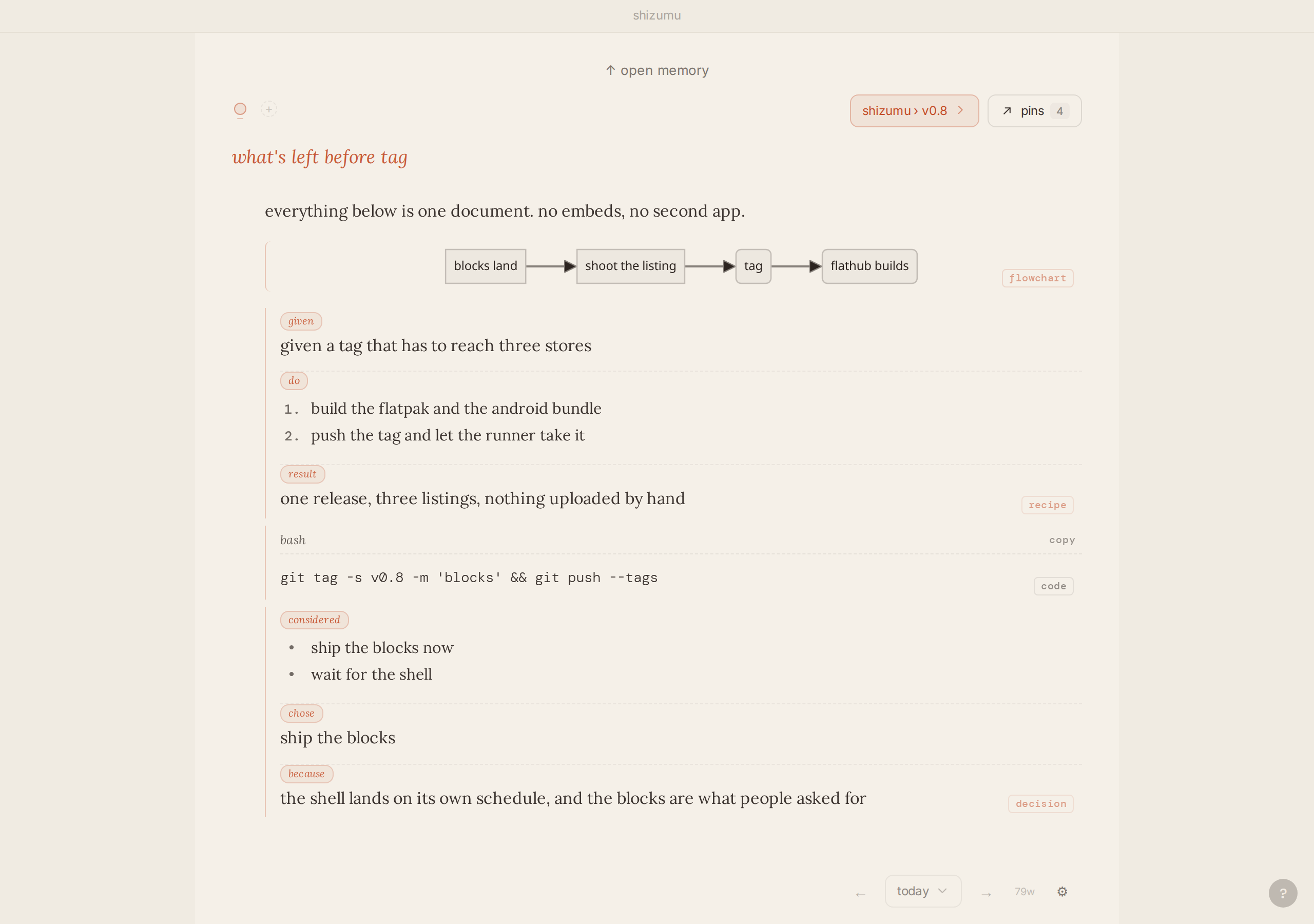
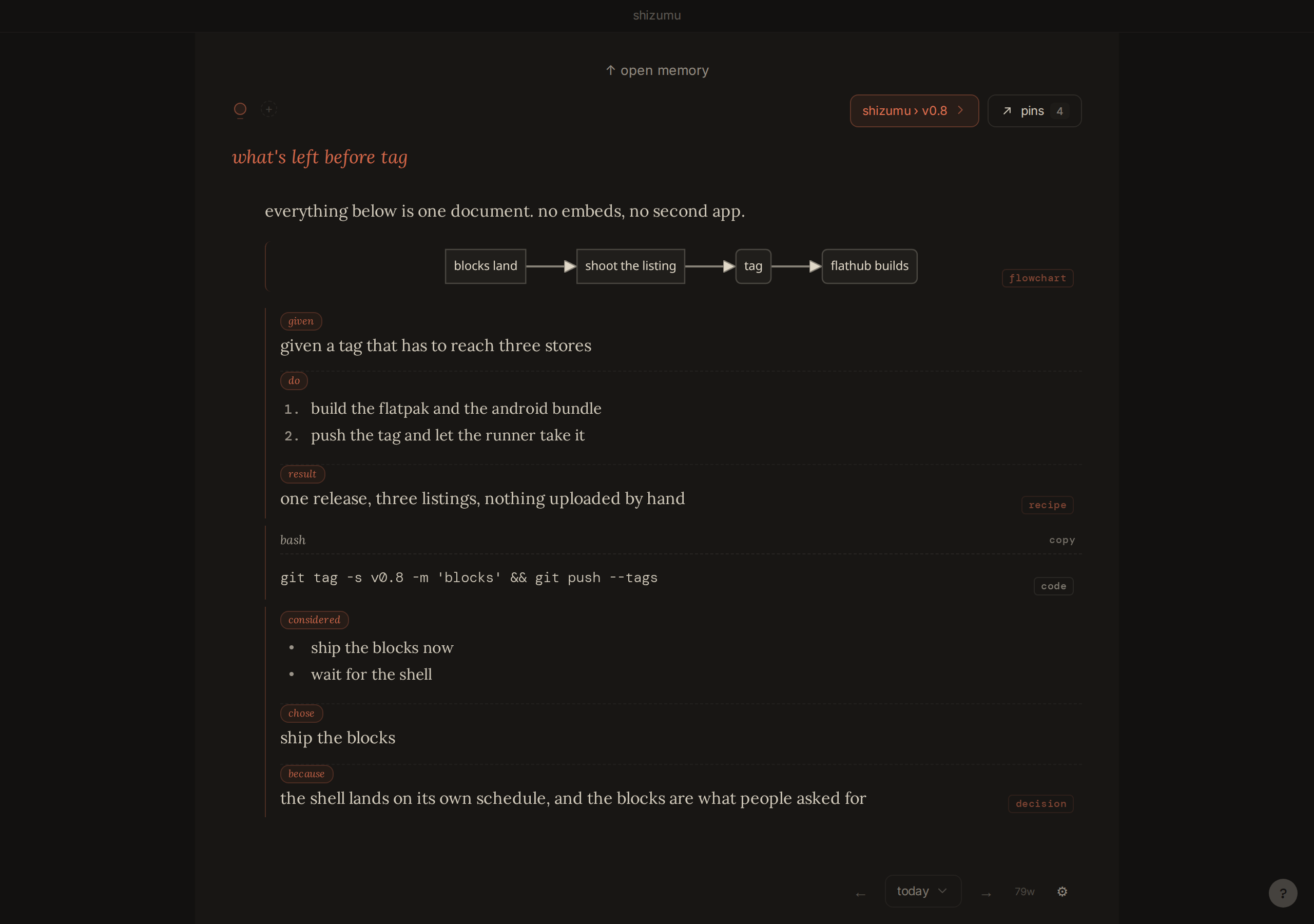
write, pin, trail
write/
pinctrlP
trailctrlK
the phone has a layout of its own
not the desktop squeezed down. a page for one thumb, with the keyboard up.
one strip above the keyboard follows the caret: insert, turn into, bold, italic, pin, undo. hold a block’s handle and it lifts, so you can move it.
pins, memory and sync each have their own screen. memory filters by date from a month calendar, and sync pairs by camera.
or open the browser demo on your phone: it opens in this layout, with a few weeks of writing already in it.
choose a trail and the page picks up context
a new page starts empty. a trail is for a project, not a day: a book, a job search, anything you’ll come back to tomorrow.
choose a trail and the page picks up context: the pins you already kept there, already on the page.
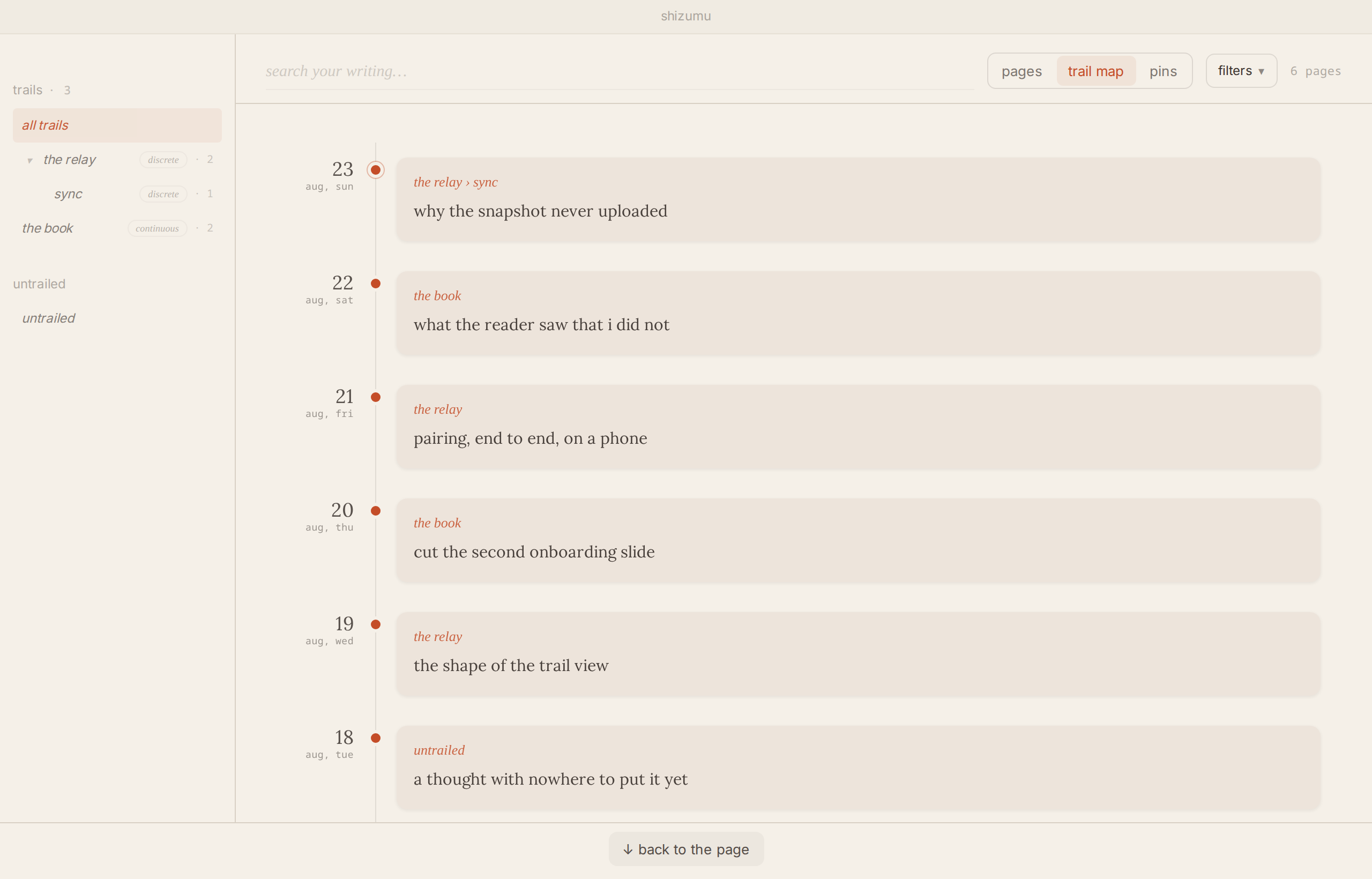
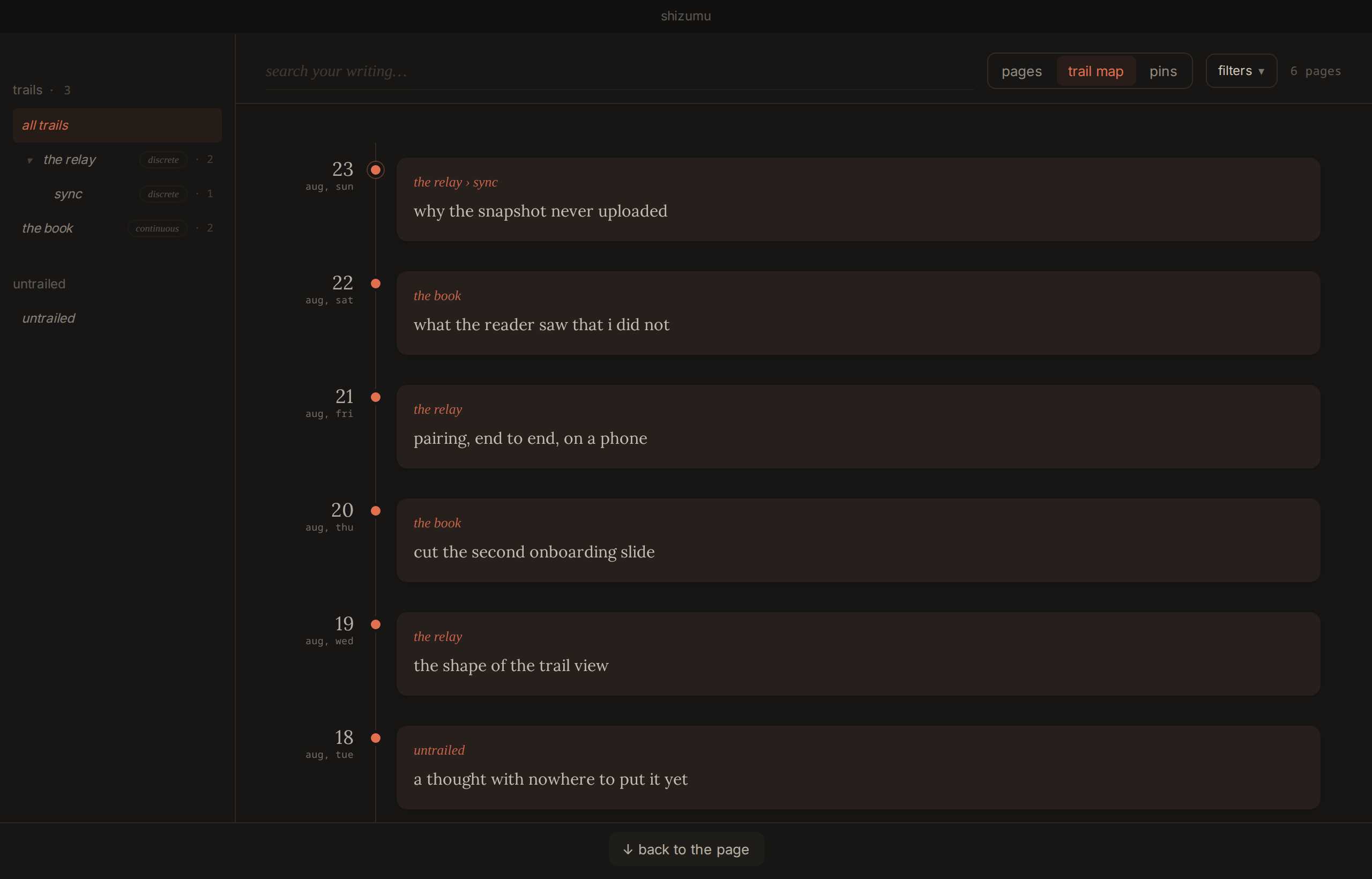
everything else lives in memory: search it, or open one trail, one date, pages, or pins.
one thread that should keep growing, like a book, can be a continuous trail: one living document you keep adding to, with its pins as the short version.
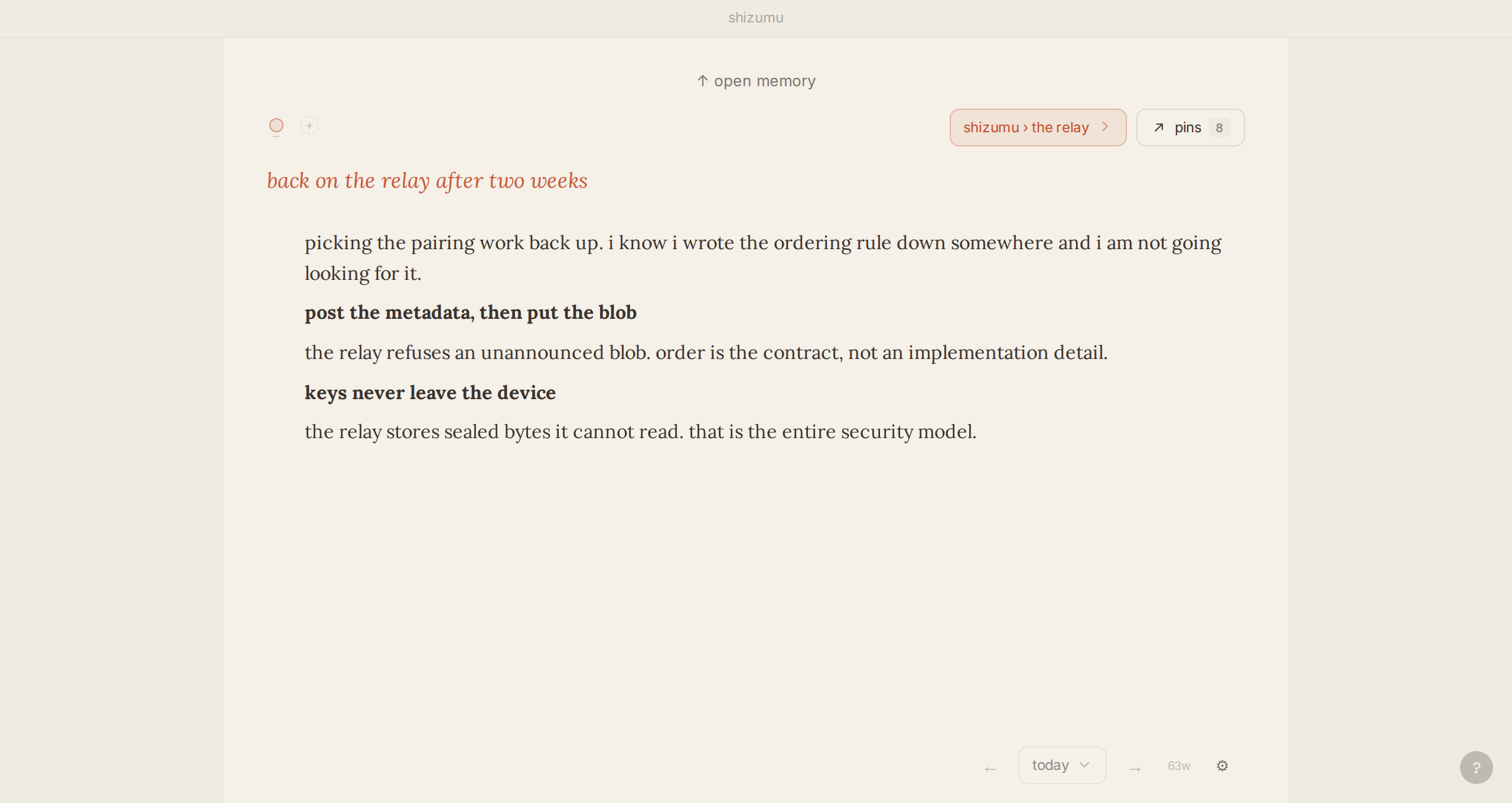
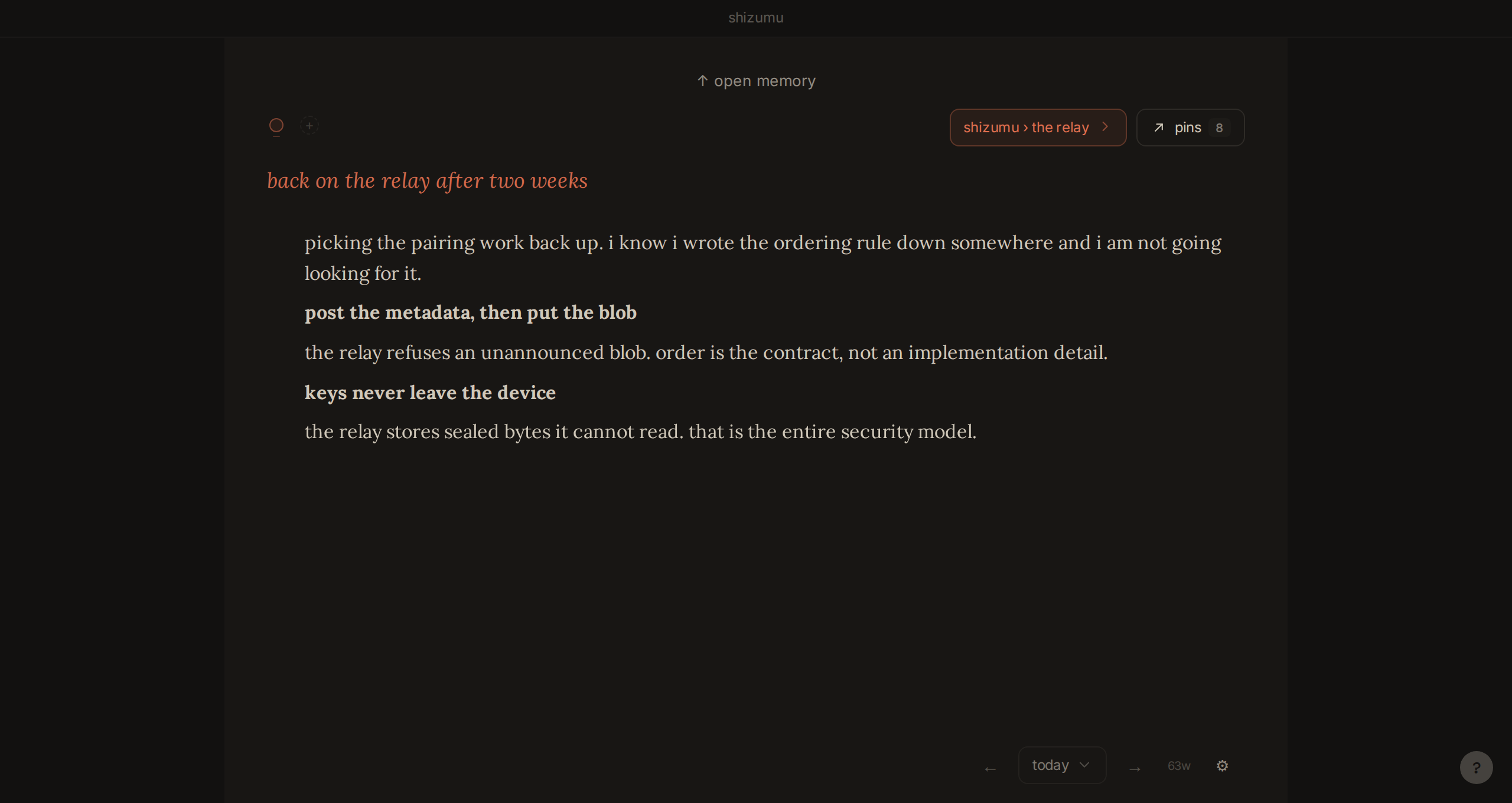
everything you wrote, one search away
the page is for today. memory holds the rest, one swipe up: pages grouped by date, every trail down the side, and the pins you kept on each.
search runs over the full text of everything, block titles included. nothing gets deleted to make room.
your writing stays on your device
shizumu is local-first. your pages live on your machine and open without a connection.
sync is optional and end-to-end encrypted. the relay holds what it cannot read, and neither can we.
keys never leave your devices, whether you sync through our relay or run your own. read how sync is encrypted and what the relay can and cannot see.
- the app apache-2.0 · what you write in
- the relay agpl-3.0-or-later · what syncs it. run your own
found something broken? open an issue.
your hands stay on the keys
structure without learning a system first. a few keys reach everything, and the shortcuts panel names your own mod key.
- /
- a block: a list, a table, a chart, a decision
- @
- reach a page, a pin, or a trail
- ctrlK
- the trail index and the command palette
- ctrlP
- pin from wherever the cursor is
- ctrlF
- find on the page
- alt↑oralt↓
- move a block up or down
on a phone, the same tools sit in one strip above the keyboard. see the phone layout.
free on linux, windows, mac and android
windows
setup .exe · windows 10 and 11 · 11 MB
mac
.dmg · signed and notarized · a beta
i have no mac, so the people who run this build are its testers. say how it runs.
the mac build is a beta, and it is not in this release yet.
hear when the mac beta is up
one email, when the mac beta is up. nothing else.
android
google play needs twelve testers for fourteen days before shizumu can open to everyone. staying in for two weeks is the help.
two steps, with the google account on your phone. play then installs shizumu and keeps it updated.
shizumu-0.8.0.apk · 104 MB. the same signed build as play. it does not update itself.
iphone
a beta · open the link on your iphone · testflight installs shizumu and keeps it updated
no testflight yet? the link offers it from the app store first. the browser demo also opens in the phone layout on an iphone.
what’s new in v0.8.0: the phone has its own layout.
hear when a release lands
occasional notes, only when something ships. unsubscribe any time.
the app is free. sync is free on 2 devices through our relay, and on every device through your own. if you would rather the relay kept running, support it on ko-fi. supporting buys nothing; the app stays free either way.