a notes and journal app for linux
shizumu is a private writing app for linux, for notes and a journal, that never asks where to file it. you open it with a thought and write. nothing to structure first, nowhere to put it.
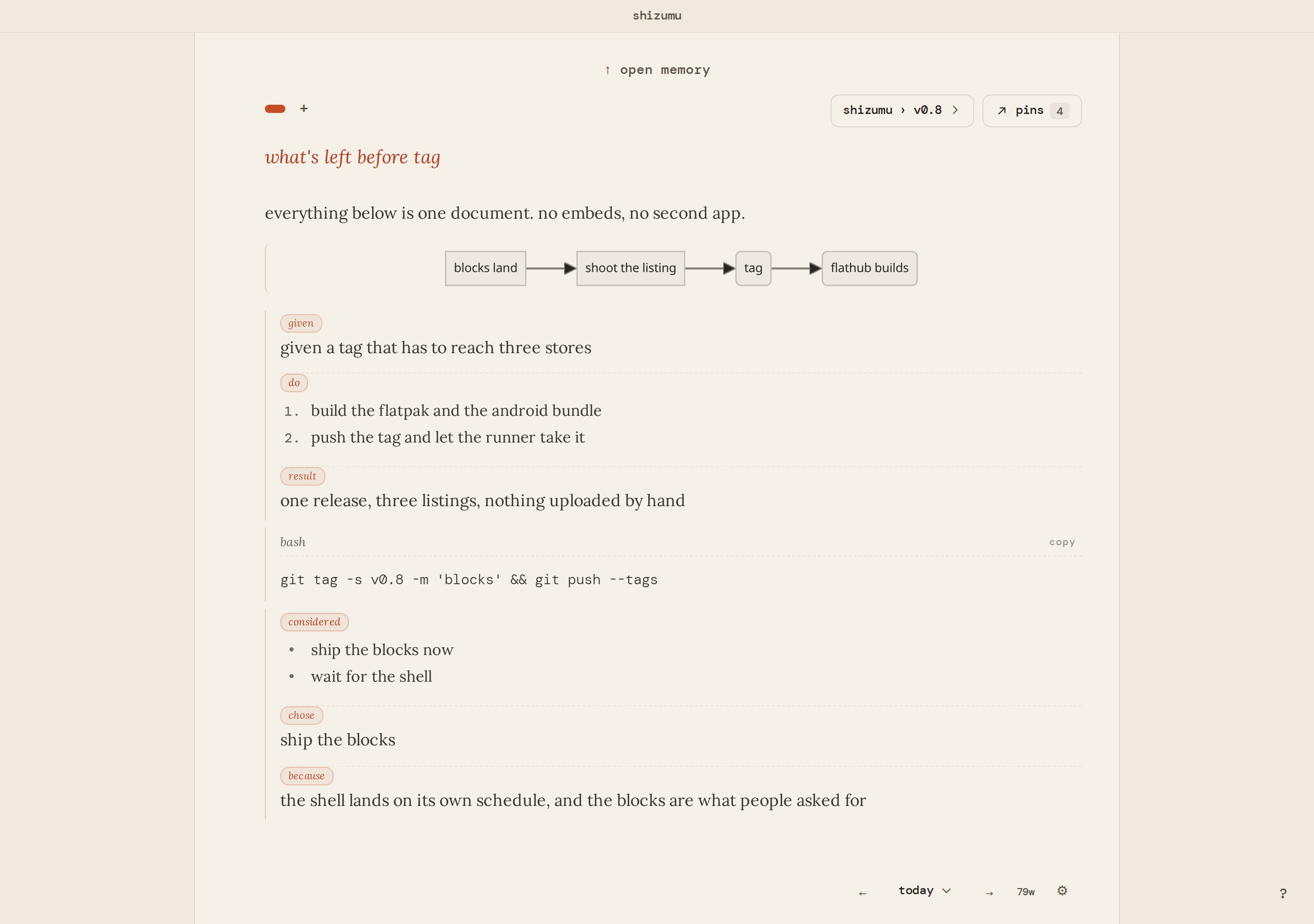
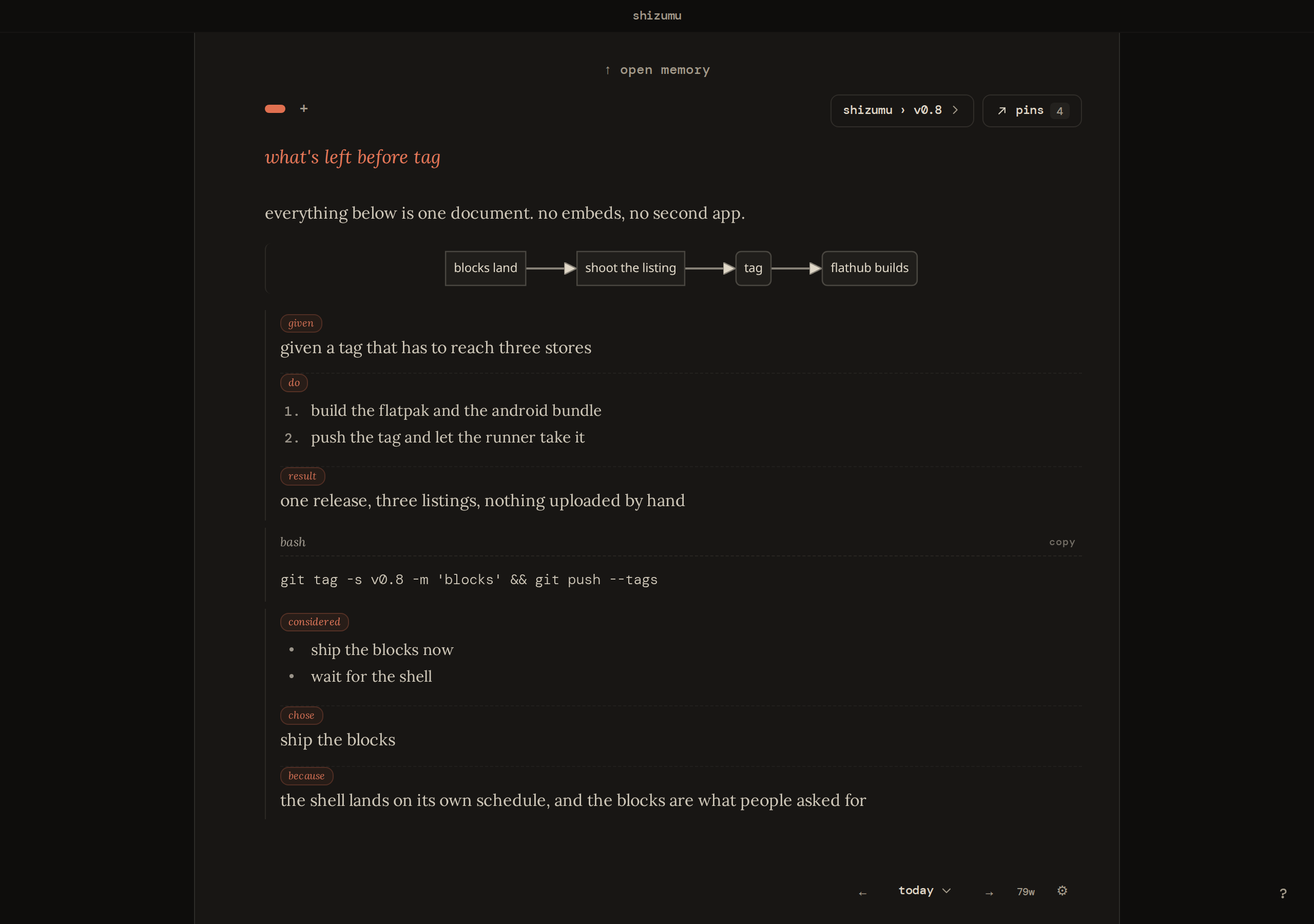
install it
from flathub, which keeps it updated:
flatpak install flathub app.shizumu.Shizumu
that covers x86_64 and arm64. the source code is on github. the same app runs on windows, and android is in a closed test on google play: join the android test. mac is a beta download and iphone is a testflight beta.
a notes app for linux as well as a journal
people looking for a notes app for linux usually want quick notes that stay findable later. in shizumu every note is a page, everything stays in memory and searchable, and a pin brings back the part that mattered. it sits in the menu like any other linux app, and the page has real tools: tables, outlines, charts and blocks of code.
it is keyboard driven the way a linux desktop is: / for a block. @ to reach a page, a pin, or a trail. ctrl+k for the trail index and the command palette. ctrl+p to pin from the cursor. ctrl+f to find. alt and the arrows move a block.
who it fits, and who it doesn't
it fits people who write to work something out: a journal, notes on a paper, the plan for a long project. if you want a vault of markdown files you edit in vim and keep in git, a plain-files tool does that well. if you want a graph of linked notes, a linked-notes app does. shizumu keeps the writing in a database and is built for getting back to what you kept, not for arranging files.
what a page, a pin and a trail do
a new page starts empty. you write to think. when a line turns out to matter, you pin it. a trail is for a project, not a day: a book, a job search, anything you'll come back to tomorrow. choose a trail and the page picks up context: the pins you already kept there, already on the page. everything else lives in memory: search it, or open one trail, one date, pages, or pins.
for one topic that should keep growing, a continuous trail is one living document. it is the one place the app keeps everything in front of you on purpose.
the linux journal app people ask for is usually a private one
the writing is a sqlite file on your disk. no account, no upload, nothing that profiles you. sync is optional and end-to-end encrypted: the relay holds what it cannot read, and neither can we. hosted sync is free on two devices, and you can run the relay yourself, free on every device: a self hosted notes app. the client and the relay are both on github, apache-2.0 on the client and agpl-3.0-or-later on the relay.
moving your notes over
paste text in and it lands on the page. going the other way, every page exports as a markdown file into a folder you choose, and settings makes a full backup of the database.
if you are looking at an obsidian alternative on linux
a note taking app for linux that people often try first is a vault of markdown files, and the first thing a vault asks is where the file goes. shizumu asks nothing. pages, pins for what matters, trails for what continues. more on that: an obsidian alternative.
what holds on every platform
shizumu is free, on linux, android, and windows. your writing stays on your device. sync is optional and end-to-end encrypted: the relay holds what it cannot read, and neither can we. the app and the relay are open source: apache-2.0 on the client, agpl-3.0-or-later on the relay.
it will not write for you, because the writing is the thinking.
try it in your browser download
hear when a release lands
occasional notes, only when something ships. unsubscribe any time.