a distraction free writing app
shizumu is a free, minimalist writing app for linux and windows where the quiet is the app itself, not a mode you switch on. you open it, the page is empty, and the first sentence is the first thing that happens.
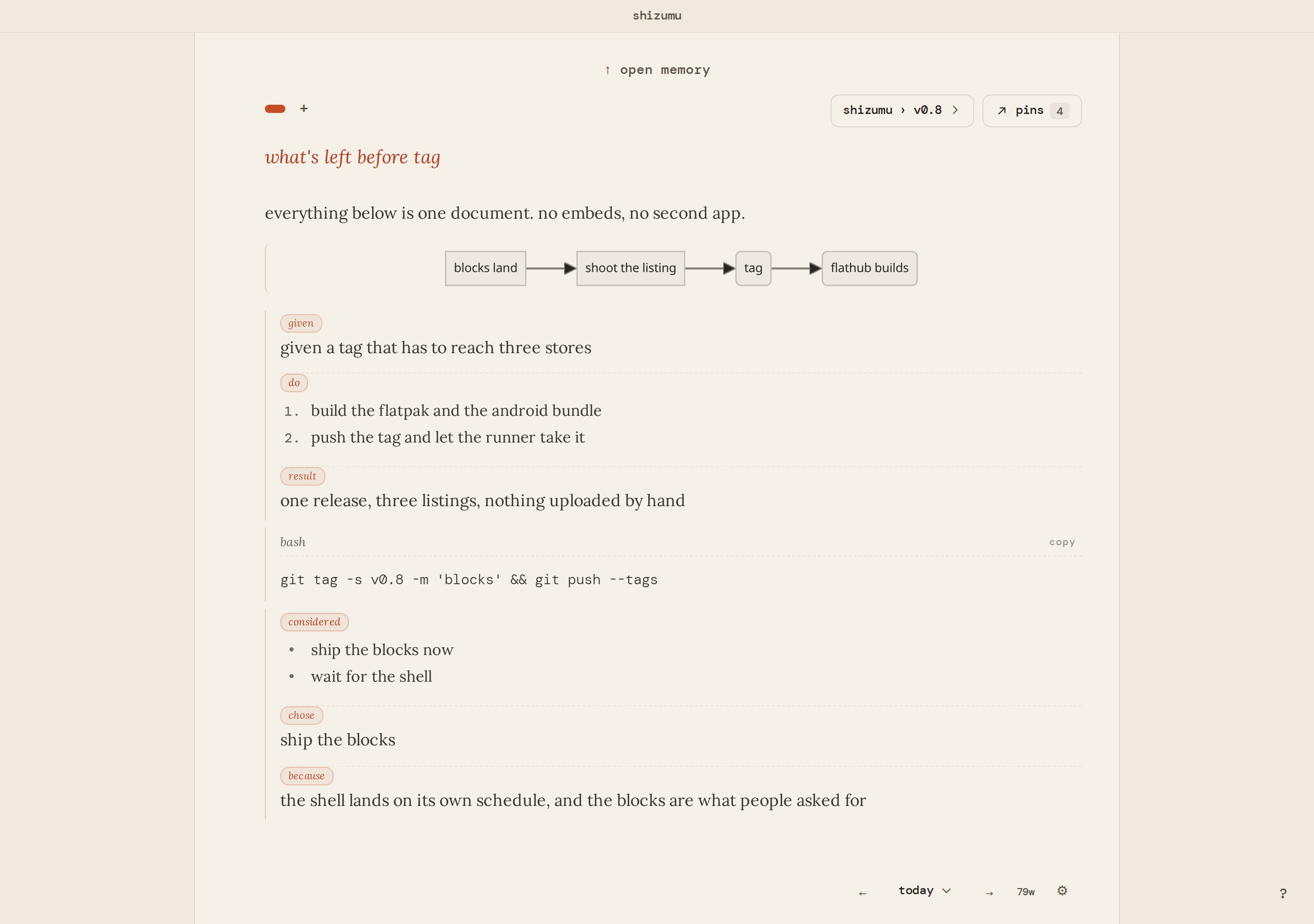
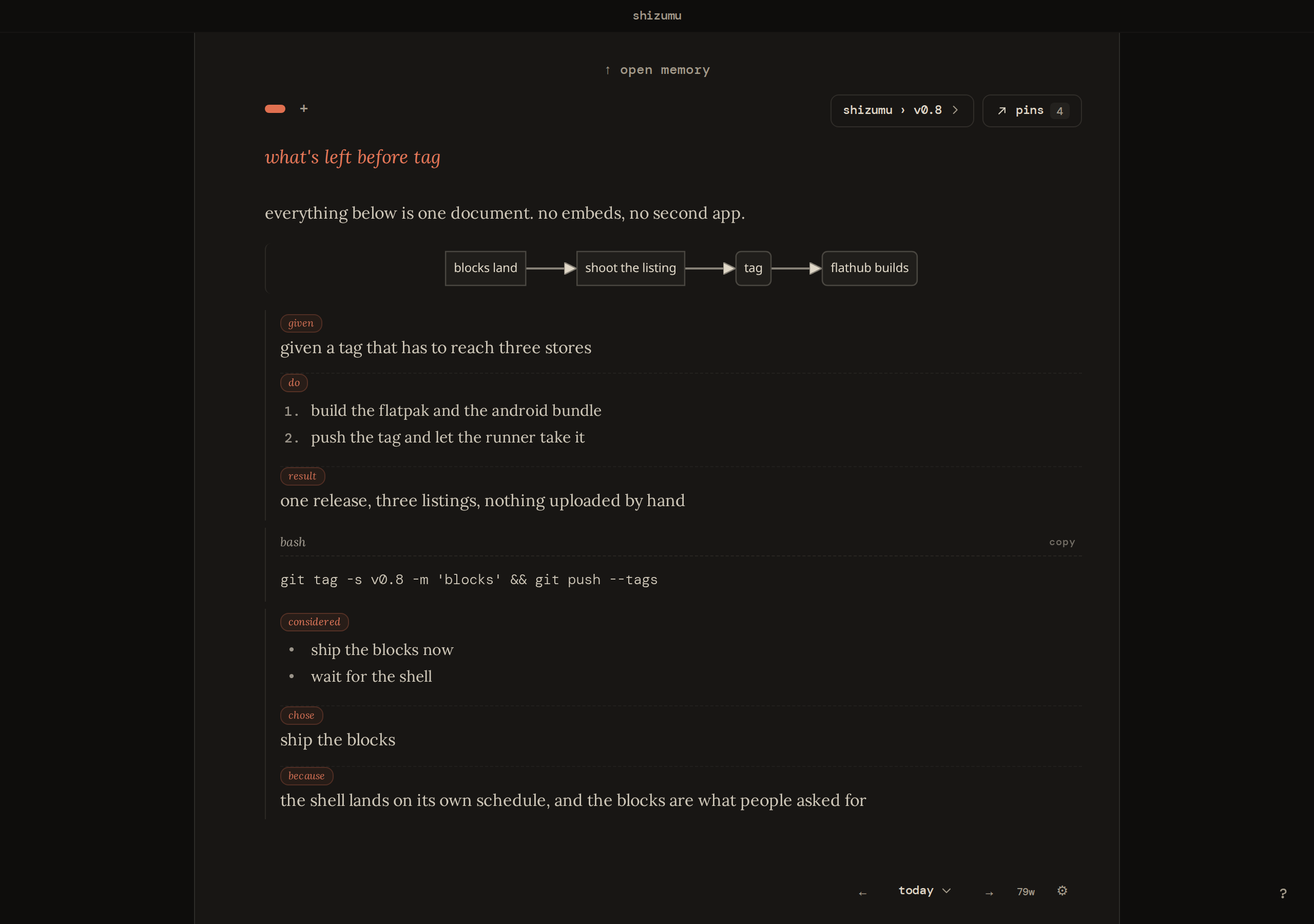
it also works as a note keeping app that keeps your writing on the device, with optional end-to-end encrypted sync that is free for two devices.
the page is the quiet part
many writing apps add a focus mode on top of a busy workspace: a file tree, a toolbar, a project sidebar, and a key that hides them for a while. here the page is already the plain part. it is one column of text, sized to the font you choose, so a line stays comfortable to read however wide the window gets. a word count sits at the foot of the page. on a phone the header folds to a single line while you type, so the words keep the room.
what stalls a first sentence is rarely noise on the screen. it is two questions: how should this be structured, and where does it go. shizumu takes both away. there is nothing to structure first and nowhere to file it, so you open it and write.
who it fits, and who it doesn't
it fits people who write to work something out: a draft, a decision, a page a day, the notes behind a long project. that is what makes it a good writing app for thinking rather than for typesetting. the page stays empty until you put something on it, and the tools appear when you ask for them.
if you want a full-screen typewriter with sounds, photo backgrounds and a daily word goal, focuswriter does that well and costs nothing. if you want a single box in a browser tab and nothing kept, zenpen is closer to that. and if what you want is a machine that can only write, the writerdeck builds people share on reddit are the honest answer, because no app on a laptop beats a device with no browser on it. shizumu sits in between: an app you install, plain on the surface, with everything you wrote searchable behind it.
keyboard driven, so your hands stay on the words
/ brings a table, an outline or a block of code to the cursor. @ reaches a page, a pin or a trail. ctrl+k opens the trail index, ctrl+p pins from the cursor, ctrl+f finds, and alt+↑ or alt+↓ moves a block. the tools come to where you are writing, and then they go.
a minimal note taking app with a way back
plain on the surface does not mean a pile underneath. when a line matters, you pin it, and the pin points back into the page where the thought happened. a trail is for a project, not a day: a book, a job search, anything you'll come back to tomorrow. choose a trail and the page picks up context: the pins you already kept there, already on the page. everything else lives in memory: search it, or open one trail, one date, pages, or pins.
a novel or a thesis can go on a continuous trail instead. it becomes one long document you keep adding to, the one place the empty page is deliberately turned off, and the pins you keep along the way are how you find your place in it again.
how do people take notes while reading books?
shizumu writes nothing for you, because the writing is the thinking. you read a passage, answer it in your own sentence, and that sentence is the one you recognize weeks later.
keep the book open beside the window and write as you go. when a passage names an idea you will meet again, type @ and the name of a page for it. each page then lists the pages that link to it, so an idea like consideration or free will slowly gathers every place you used it, across chapters and across books, while you sort nothing.
a question that comes up mid-chapter can go into a task block from the / key, so you keep reading and come back to it later. when an argument finally lands somewhere, a decision block holds where you ended up and why.
when you return, full-text search covers every page and shows the newest first. a note from last spring comes back through a word you remember, and an old entry needs no filing to be found. the notes stay on your device and can be locked with a password, so a reading diary stays yours.
platforms and sync
it runs on linux (flathub, x86_64 and arm64) and windows. android is a closed test on google play, and the android page is where you ask to join. mac is a beta download and iphone is a testflight beta. the writing is a database on your device, so it opens and saves without a connection.
sync is optional and end-to-end encrypted: the relay holds what it cannot read, and neither can we. hosted sync is free on two devices, and your own relay is free on every device (pricing). the detail is in how sync is encrypted and what the relay can and cannot see.
moving a draft in, and out
paste text and it lands on the page. paste markdown and its headings, lists and code come through as blocks. on the way out, every page exports as a markdown file into a folder you choose, and settings can make a full backup of the database.
try it before you install
the app runs in your browser with a few weeks of writing already in it: try it. also worth a look: a morning pages app.
what holds on every platform
shizumu is free, on linux, android, and windows. your writing stays on your device. sync is optional and end-to-end encrypted: the relay holds what it cannot read, and neither can we. the app and the relay are open source: apache-2.0 on the client, agpl-3.0-or-later on the relay.
it will not write for you, because the writing is the thinking.
try it in your browser download
hear when a release lands
occasional notes, only when something ships. unsubscribe any time.