a notesnook alternative that keeps the encryption
shizumu is a private writing app, and a notesnook alternative for people who came for the encryption and would rather not sort notebooks to get it. your writing is sealed on your device before it syncs, the code is open source, and sync is free on two devices or on every device with your own relay.
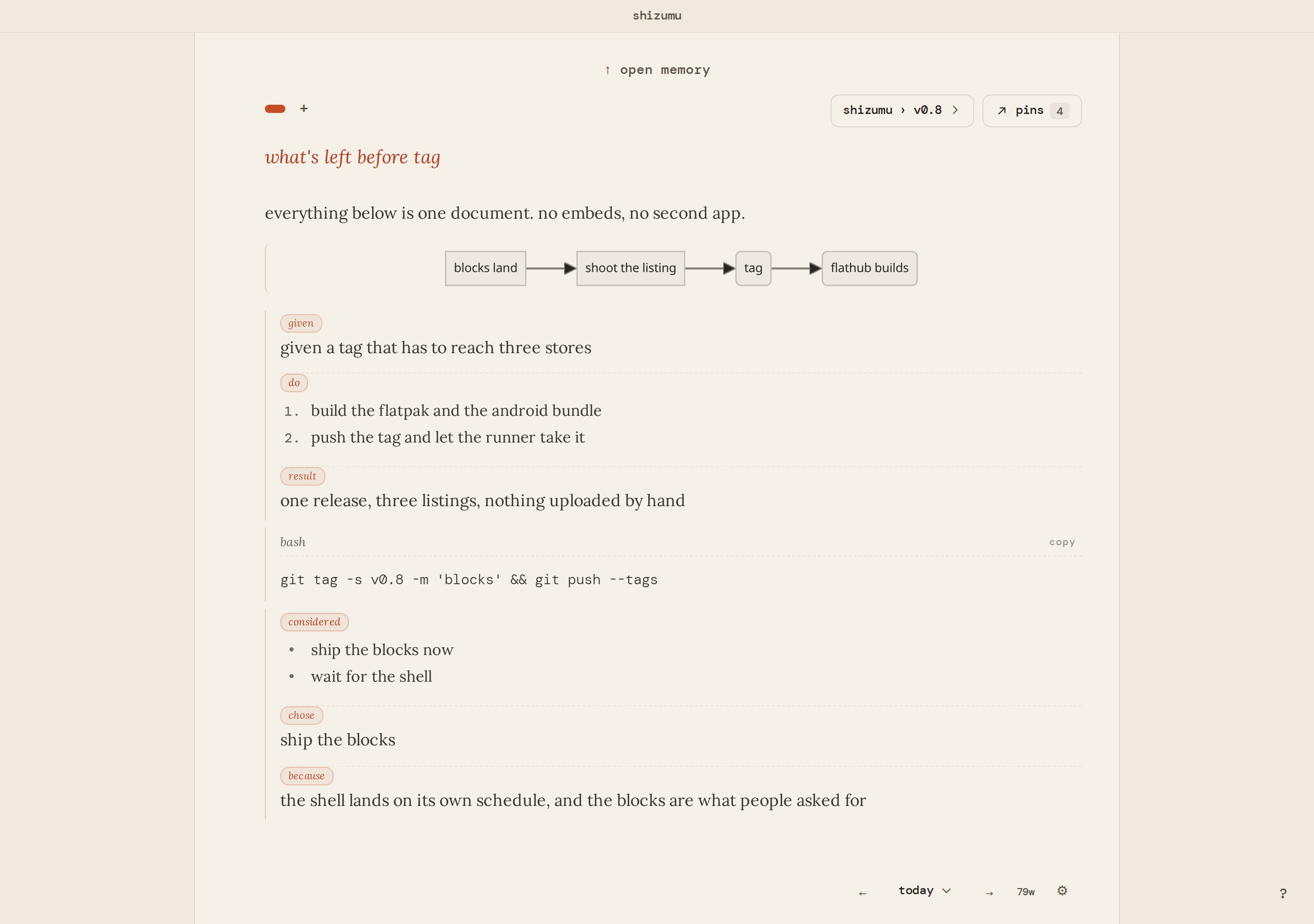
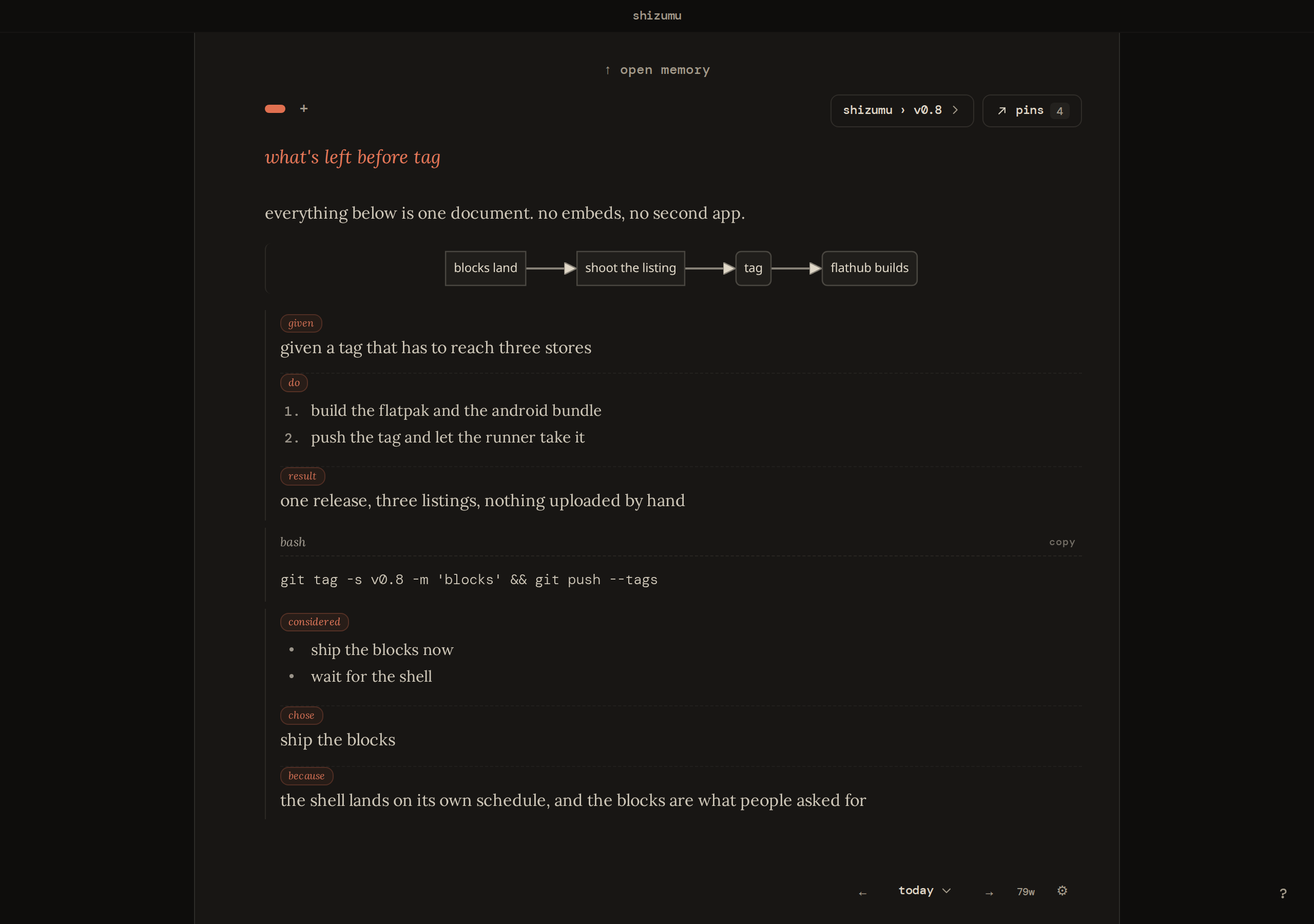
how the two behave
notesnook is an encrypted note app: notebooks, tags, an account to sign in with, and paid tiers for the larger features. the encryption is the reason people pick it, and the filing comes along with it.
shizumu also seals your writing on the device, and it starts from a page. there is nothing to sign up for before you write: the writing is a database on your device, and sync begins from a recovery phrase that never leaves it. you open a page and write, and nothing asks which notebook it belongs to.
standard notes vs notesnook, and a third shape
people comparing standard notes vs notesnook are usually choosing between two encrypted, account-based note apps that organise by tags or notebooks and sell a paid tier. shizumu is a different shape for the same privacy: the app is free, and what organises the writing is what you pin and which trail a page is on. if you want a filing system that happens to be encrypted, either of those two fits better. if you want encrypted writing with nothing to file, this is that.
who it fits, and who it doesn't
if you need a mac or iphone app today, notesnook has one. shizumu has a mac beta and an iphone testflight beta, so if you need a settled app on those today, notesnook is the safer pick. if you keep a vault of reference notes, notebooks suit it. shizumu fits the person who writes to work things out, on linux, windows or android, and wants that writing private without a second job keeping it in order.
platforms and sync
shizumu runs on linux (flathub, x86_64 and arm64) and windows. android is a closed test on google play: ask to join. the app is free, with the client apache-2.0 and the relay agpl-3.0-or-later.
sync is optional and end-to-end encrypted. the relay holds what it cannot read, and neither can we. keys never leave your devices. hosted sync is free on two devices, and a relay you run yourself is free on every device: pricing. the relay does see sealed blob sizes, hashes and timing; what it cannot see is content, titles or filenames. the primitives are written down rather than asserted: how sync is encrypted and what the relay can and cannot see.
moving over
notesnook exports markdown and html, and there is no notesnook importer here. what carries across is the text: paste a markdown note onto a page and its headings, lists, tasks and code come in as blocks. the notebooks and tags stay behind. on the way out, shizumu writes every page as a markdown file into a folder you choose, plus a full backup of the database.
what a page does instead
a new page starts empty. you write to think and pin what matters. a trail is for a project, not a day: a book, a job search, anything you'll come back to tomorrow. choose a trail and the page picks up context: the pins you already kept there, already on the page. everything else lives in memory, searchable. the way back is the pins, not a tag you hope you will remember.
what is the best free app for notes?
the best free app for notes is the one that brings an old entry back without you having filed it first, and that is what shizumu is built around. full-text search covers every page, newest first, so something you wrote months ago returns when you type a word from it. you open a page and write, then find it by date, trail or search.
pages connect the way thoughts do. type @ and a page's name to link to it, and each page lists the pages that link to it. a long project can also be one continuous document, with each day marked, and ctrl+k jumps between days.
when a note needs more than text, the / key brings in tasks, tables, code, decisions, recipes, charts and images. it is keyboard first, so your hands stay where they are.
the writing works offline, so a train, a lecture hall or a weak connection changes nothing, and a password can lock it. shizumu leaves the writing to you, because the writing is the thinking. a page starts empty, so you spend your time on what you are working out instead of keeping a system tidy. the demo in your browser lets you judge all of this before you install anything.
try before you move
the app runs in your browser with a few weeks of writing already in it: try it. also worth a look: a standard notes alternative and a joplin alternative.
what holds on every platform
shizumu is free, on linux, android, and windows. your writing stays on your device. sync is optional and end-to-end encrypted: the relay holds what it cannot read, and neither can we. the app and the relay are open source: apache-2.0 on the client, agpl-3.0-or-later on the relay.
it will not write for you, because the writing is the thinking.
try it in your browser download
hear when a release lands
occasional notes, only when something ships. unsubscribe any time.