a writing and note taking app for windows
shizumu is a writing app for windows that never asks where to file what you write. you open it with a thought and write. nothing to structure first, nowhere to put it.
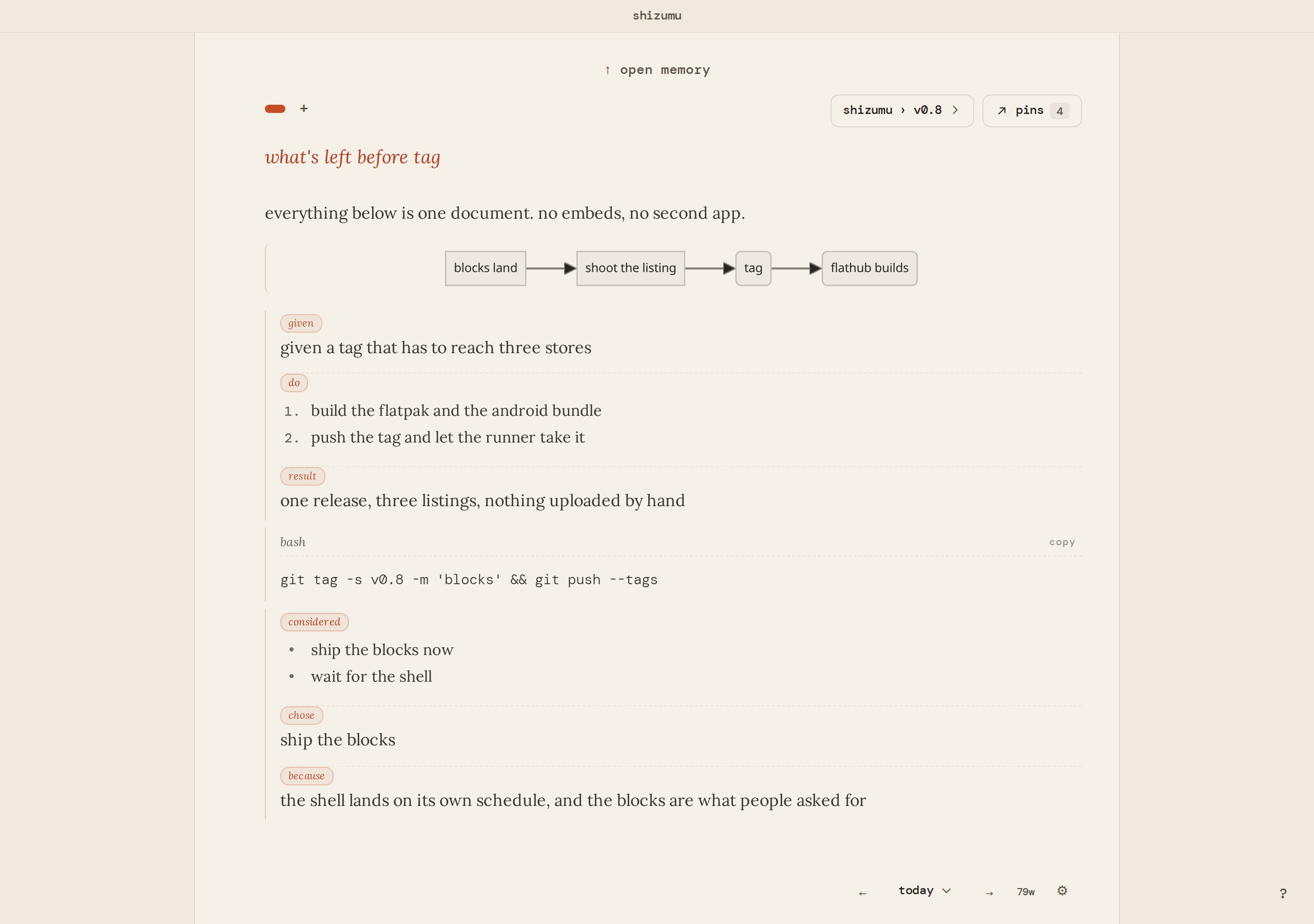
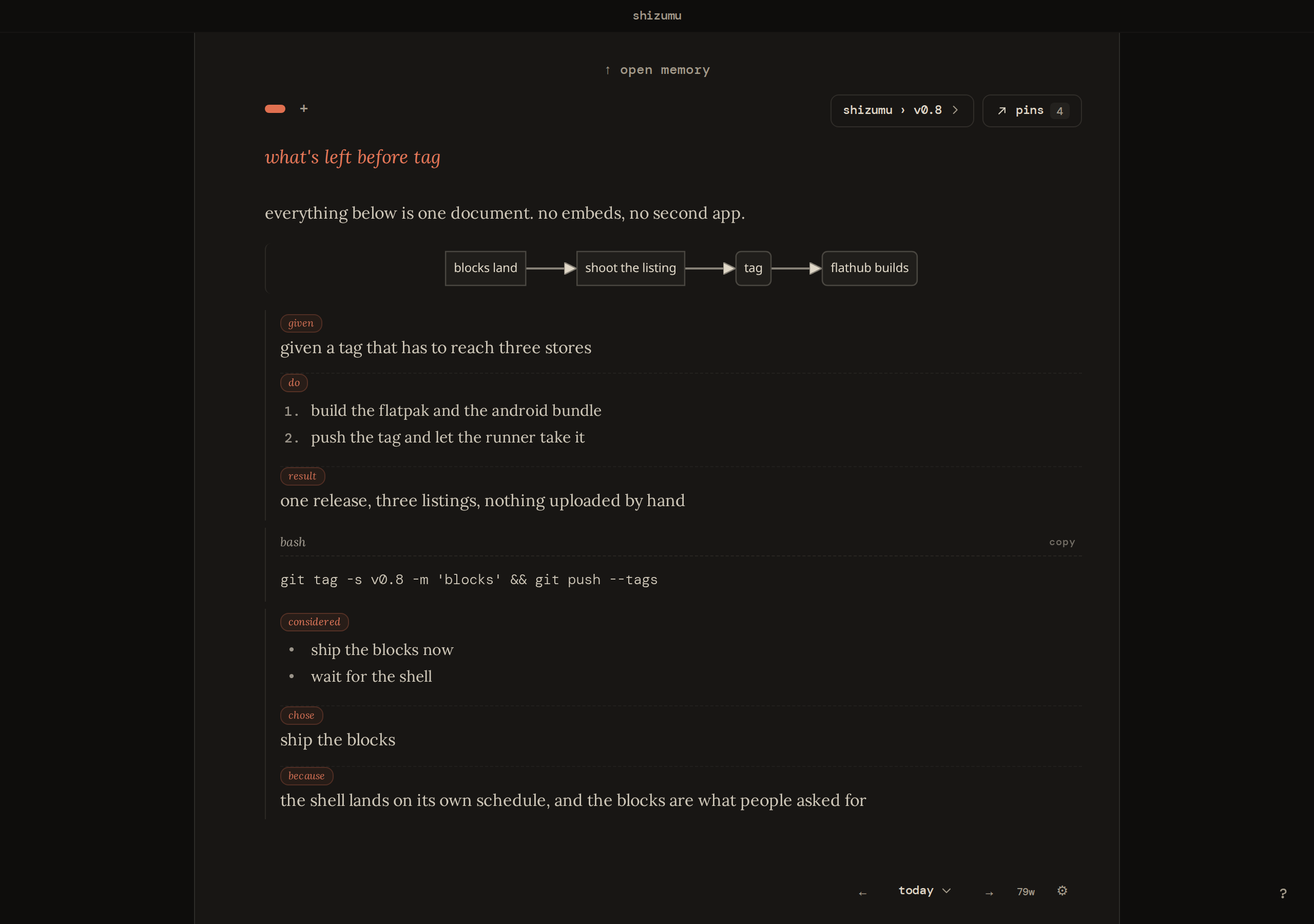
a writing app for windows, not only a diary
people looking for a writing app for windows usually want somewhere to think in full sentences without setting anything up first. the page has real blocks for tables, outlines, charts and code, so a draft, a plan, a meeting note and a journal entry all start the same way, on an empty page.
it is keyboard driven: / for a block, @ to reach a page, a pin, or a trail. ctrl+k opens the trail index and the command palette, ctrl+p pins from the cursor, ctrl+f finds, and alt with the arrows moves a block.
who it fits, and who it doesn't
it fits people who take notes to work something out: a chapter, a decision, a project that runs for months. the questions that stall a first sentence, how should this be structured and where does it go, are not asked, so the first sentence is the first thing that happens.
if you want notebooks of sections you arrange by hand, or a graph of linked notes, the apps built for those do them well. shizumu is for writing to think, and for getting back to what you kept.
what a page, a pin and a trail do
a new page starts empty. when a line turns out to matter, you pin it. a trail is for a project, not a day: a book, a job search, anything you'll come back to tomorrow. choose a trail and the page picks up context: the pins you already kept there, already on the page. everything else lives in memory: search it, or open one trail, one date, pages, or pins.
for a book or a long project, a continuous trail is one living document you keep adding to. it is the one place the app keeps everything in front of you on purpose, and the pins keep it from becoming a wall to re-read.
install it
one setup installer from the download section. no account to make before you write. the same app runs on linux, and android is in a closed test on google play: join the android test. mac is a beta download and iphone is a testflight beta.
a note taking app for pc that keeps the notes on the pc
the writing is a database on your disk, with no upload and nothing that profiles you. if you want it on a second device, sync is optional and end-to-end encrypted: the relay holds what it cannot read, and neither can we. hosted sync is free on two devices, and running your own relay is free on every device: pricing.
the source is on github, apache-2.0 on the client and agpl-3.0-or-later on the relay, so what it does with your writing is something you can read.
moving your notes over
paste text in and it lands on the page. going the other way, every page exports as a markdown file into a folder you choose, and settings makes a full backup of the database. the writing is yours to leave with.
the best note taking app for windows is the one that stays out of the way
shizumu asks nothing on the way in. your thinking happens on the page. the pins are where you left it.
what holds on every platform
shizumu is free, on linux, android, and windows. your writing stays on your device. sync is optional and end-to-end encrypted: the relay holds what it cannot read, and neither can we. the app and the relay are open source: apache-2.0 on the client, agpl-3.0-or-later on the relay.
it will not write for you, because the writing is the thinking.
try it in your browser download
hear when a release lands
occasional notes, only when something ships. unsubscribe any time.